The Biggest Mistakes Developers Make When Integrating AI in Web Apps — And How to Avoid Them in 2026
AI is no longer a nice-to-have feature. In 2026, users expect intelligent search, natural language interfaces, and personalized experiences baked right into your web app.
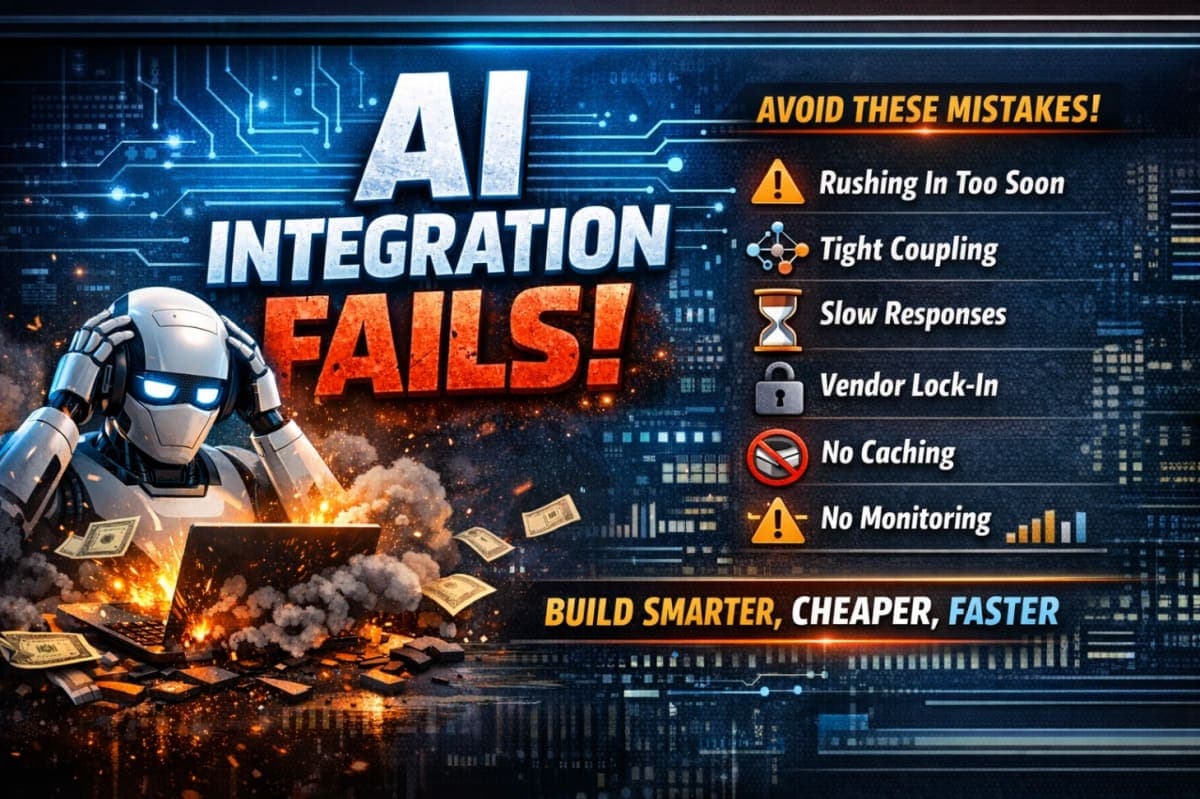
But here's the hard truth: most developers rush into AI integration and end up with slow, expensive, fragile systems that crumble under real-world usage.
I've seen teams spend months building sophisticated AI features only to face performance nightmares, vendor lock-in, and skyrocketing costs. The good news? These problems are completely avoidable.
Let's walk through the six biggest AI integration mistakes developers make—and exactly how to fix them.
1. Premature AI Adoption: Overengineering Before Validation
The Mistake:
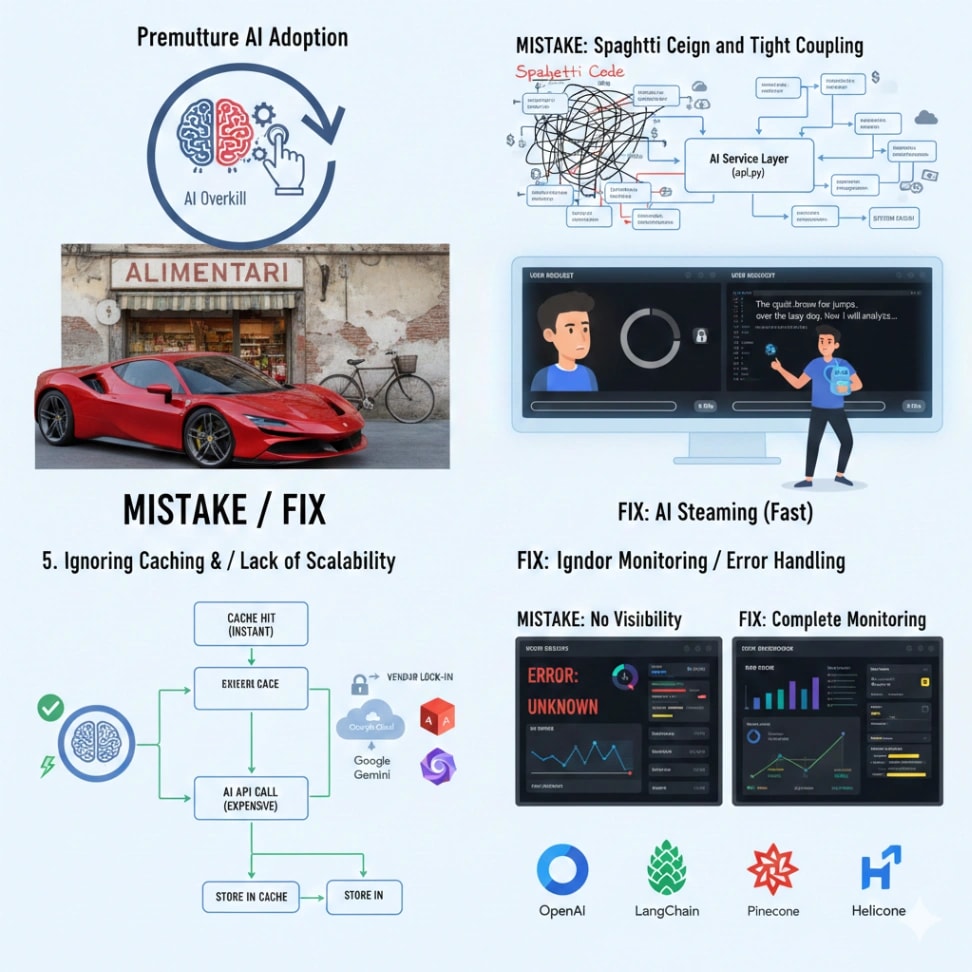
Developers get caught up in the AI hype and integrate large language models everywhere before validating if users actually need them. It's like buying a Ferrari when you only need to drive to the grocery store.
I've seen teams build complex AI recommendation engines when a simple SQL query would have solved the problem.
The Fix:
Start with the simplest solution. Ask yourself: "Does this feature genuinely require AI, or am I just excited about the technology?"
Use AI when you need:
Natural language understanding
Content generation
Complex pattern recognition
Personalization beyond traditional algorithms
Skip AI when:
Simple rules or filters can solve the problem
Basic calculations or searches work fine
Users prefer manual control
Pro Tip: Build a proof of concept with hardcoded responses first. Validate with real users. Only then integrate AI if the data proves it's necessary.
Real-World Example:
A project management SaaS wanted "AI-powered task prioritization." They spent weeks integrating ML models. After launching, users preferred simple drag-and-drop prioritization. Six months later, they added a lightweight AI suggestion feature users could ignore. That hybrid approach worked perfectly.
2. Poor API Design and Tight Coupling
The Mistake:
Many developers scatter AI API calls throughout their codebase—in React components, route handlers, and utility functions everywhere. This creates a nightmare when you need to switch providers or update prompts.
Imagine hardcoding database queries directly in UI components. That's what tight coupling with AI providers looks like.
The Fix:
Create an abstraction layer. Build an internal "AI Service" that wraps your provider's API.
Your architecture should look like this:
Frontend → API Routes → AI Service Layer → [OpenAI | Anthropic | Local Model]
Your AI Service should handle:
Provider-specific API calls
Prompt management and versioning
Response formatting
Error handling and retries
Fallback logic
Important: Your app should call generateText(), not openai.chat.completions.create(). This makes switching providers a simple config change, not a codebase refactor.
Visual Idea: Architecture diagram showing the abstraction layer between your app and multiple AI providers.

3. Ignoring Asynchronous and Streaming Data Patterns
The Mistake:
AI responses can take 10-30 seconds to generate. Developers often treat these as synchronous operations, leaving users staring at loading spinners with zero feedback.
Even worse, some apps wait for the entire response before displaying anything. Users think the app has frozen.
The Fix:
Embrace streaming. In 2026, most AI providers support Server-Sent Events (SSE) or WebSockets for progressive responses.
Implement this flow:
User submits request
Show immediate acknowledgment ("Generating your content...")
Stream tokens as they arrive from AI
Display each chunk with a typewriter effect
Allow users to stop generation mid-stream
Pro Tip: For long-running operations, use background jobs with WebSockets to update the UI. Don't block the main thread.
Real-World Example:
A content creation SaaS initially waited for complete blog posts to generate (30-60 seconds). Users thought the app had frozen. After implementing streaming with progressive display, user satisfaction increased by 40%—even though actual generation time didn't change. Perceived speed matters.
Visual Idea: UI illustration showing streaming response vs. loading spinner comparison.
4. Vendor Lock-In and Lack of Abstraction
The Mistake:
Building your entire application around a single AI provider's specific features. When that provider raises prices or changes their API, your app is hostage to their decisions.
The Fix:
Design for portability from day one.
Use standard interfaces: Define your own internal AI contracts that any provider can fulfill.
Abstract prompt engineering: Store prompts in configuration, not hardcoded in your logic.
Implement multi-provider support: Design your system to support multiple providers simultaneously for:
Automatic failover when one provider is down
Cost optimization by routing to cheaper models
A/B testing different models for quality
Remember: Even if you primarily use one provider, design your system to support alternatives. This gives you leverage and flexibility.
5. Ignoring Scalability and Caching for AI Features
The Mistake:
Every user interaction triggers a fresh AI API call—even for identical requests. No caching, no optimization. Your costs skyrocket, and you hit rate limits during traffic spikes.
AI tokens aren't free. A single GPT-4 response can cost pennies, but multiply that by thousands of users, and you're burning through your budget.
The Fix:
Implement a comprehensive caching strategy:
Semantic caching: Use embeddings to identify similar queries. If someone asks "How do I reset my password?" and you have a cached response for "What's the password reset process?", serve the cached version.
Response chunking: Cache at the chunk level for long responses.
Rate limiting: Implement per-user, per-feature limits. Free users get 10 AI generations per day; paid users get unlimited.
Pre-generation: For predictable use cases, pre-generate common responses during off-peak hours.
Cost monitoring: Track AI spending per user and feature. Set alerts when costs exceed thresholds.
Pro Tip: Use Redis for in-memory caching of frequent responses. For semantic caching, store embeddings in a vector database like Pinecone alongside cached content.
Real-World Example:
An internal dashboard generated SQL queries using AI for every data request. During a company all-hands, hundreds of employees queried simultaneously. API costs spiked to $500/hour, and the service crashed. After implementing semantic caching, similar usage cost under $50/hour with faster response times.
Visual Idea: Flowchart showing cache check → cache hit (instant return) OR cache miss → AI API call → store in cache.
6. Lack of Monitoring and Error Handling
The Mistake:
Treating AI as a black box. Requests go in, responses come out, and developers have no visibility into what's happening. When things break, there's no logging, no metrics, no alerting.
The Fix:
Build comprehensive observability from day one.
Log everything important:
User prompts (sanitized for privacy)
Model responses
Token usage and costs
Response times
Error rates
Track key metrics:
AI request success rate
Average response time per feature
Cost per request and per user
Rate limit hits
Implement graceful degradation:
When AI fails, fall back to simpler alternatives
Show meaningful error messages
Offer manual options: "Our AI is temporarily unavailable. Use standard search instead?"
Set up alerts:
Error rate spikes
Response times exceed thresholds
Costs increase unexpectedly
Pro Tip: Use tools like Helicone, LangSmith, or DataDog to monitor AI-specific metrics. Don't rely on generic application monitoring alone.
Tools & Technologies for 2026-Ready AI Integration
AI Providers:
OpenAI (GPT-5.1): Industry standard
Anthropic Claude: Excellent for complex reasoning
Google Gemini: Strong multimodal capabilities
Open-source models via Hugging Face: Cost-effective
Abstraction & Orchestration:
LangChain: Framework for multi-provider AI apps
Vercel AI SDK: Streamlined integration for Next.js
LlamaIndex: Data framework for LLM applications
Caching & Vector Storage:
Redis: In-memory caching
Pinecone, Weaviate, Qdrant: Vector databases
Upstash: Serverless Redis for edge caching
Monitoring:
Helicone: AI-specific analytics
LangSmith: LLM debugging
Sentry: Error tracking with AI support
Your Action Plan: Build AI-Ready Web Apps the Right Way
Integrating AI into web applications isn't optional in 2026. It's what users expect. But doing it wrong leads to poor performance, exploding costs, and technical debt.
Here's what to remember:
✅ Start small. Validate before you integrate.
✅ Build abstraction layers. Don't couple to providers.
✅ Embrace streaming. Show progress, not spinners.
✅ Design for multiple providers. Avoid vendor lock-in.
✅ Cache aggressively. Monitor costs relentlessly.
✅ Implement robust monitoring. Plan for failures.
The Bottom Line:
You don't need to be an AI expert to build AI-ready web apps. You just need to be thoughtful about design, pragmatic about implementation, and vigilant about monitoring.
Start with one feature that genuinely benefits from AI. Build it with proper abstraction, caching, streaming, and monitoring. Learn from real user behavior. Then scale thoughtfully.
The future of web development is intelligent, responsive, and user-centric. Build apps that embody these principles, and you'll create experiences users love and systems that scale.
Now go build something amazing. And remember: the best AI integration is the one your users don't even notice because it just works.
What's your biggest AI integration challenge? Share with us.